Thumbnail Compare
Does your idea still read when it’s small? Compare up to three drafts you own or have permission to use, then write the next change.
Choose JPEG, PNG or WebP images, up to 10 MB and 40 megapixels each. Files and review notes stay in this tab. Export notes before leaving.
A comparison you can act on
- Hold the promise steady. Use the same intended viewer and video title for all drafts. A new topic is a different test.
- Start at 160 pixels. Name the first thing you notice. If the important object disappears, simplify the frame before adding more text.
- Record an observation, then a change. “The cable blends into the dark desk” is an observation. “Lighten the background” is a testable next step.
- Take the brief into your editor. Export includes your filenames, dimensions and notes. It does not contain the images.
What this review can tell you
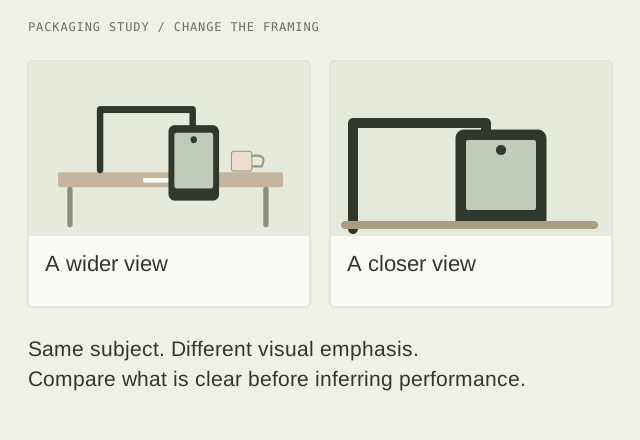
This tool helps you notice framing, text size and whether the image supports your title. It does not predict click-through rate, rank drafts with an invented score, or run a live audience test. Use the Packaging Test Planner to define a hypothesis and record the limits of any later results.
Your files stay here
Images are opened locally and are not uploaded, fetched from a video service or saved after a reload. Clear a card to release its image. Use your own artwork or images you are permitted to review. The tool cannot determine ownership.