Watch closely.
Make better
work.
Four free tools for planning a video, reviewing your own files and preparing your next idea. Original field guides explain the method behind each workflow.
No account needed. Your work stays on your device.
A little structure.
A lot more possibility.
Choose the tool that fits the task. Each one does a small job and leaves you with something useful.
Packaging Test Planner
Three ideas, one clear variable. Write a useful brief before you test a title or thumbnail.
Open toolThumbnail Compare
Compare your own thumbnail drafts at small sizes and export a focused revision brief.
Open toolShot List & Storyboard
Give every shot a visual, a sound and a purpose. Reorder the sequence and estimate its runtime.
Open toolCaption Timing Editor
Edit your own SRT or VTT file. Review timing, shift cues and check the words against your local video.
Open toolGood questions make
better field notes.
Turn what you notice into
a notebook you can trust.
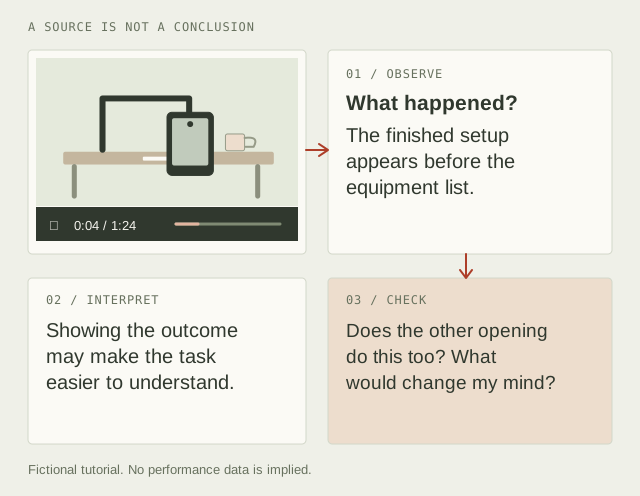
A source, a timestamp, an observation. Build a record you can revisit and a conclusion you can question.
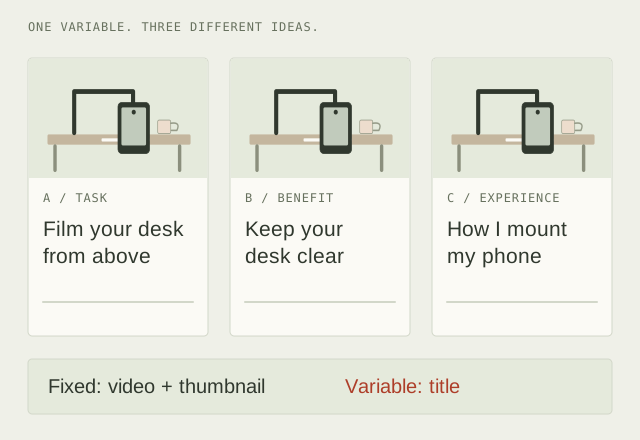
Three different ideas.
One test you can learn from.
Define the promise, change a clear variable, and decide what an inconclusive result will mean.
Look beneath the surface.
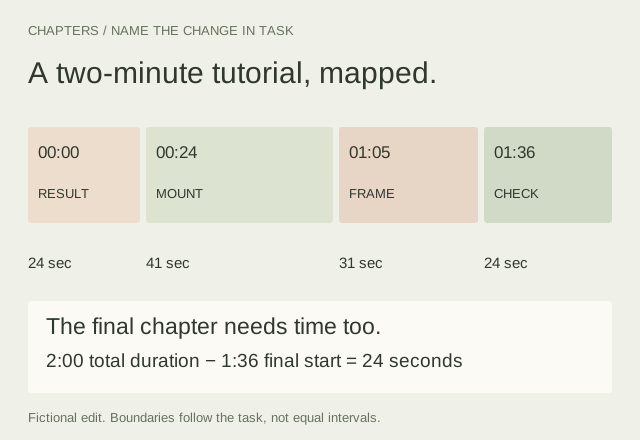
Plan Useful Chapters for a Finished Video
Map a two-minute edit, name the changes in task and check the final chapter as carefully as the first. Includes a blank chapter worksheet.
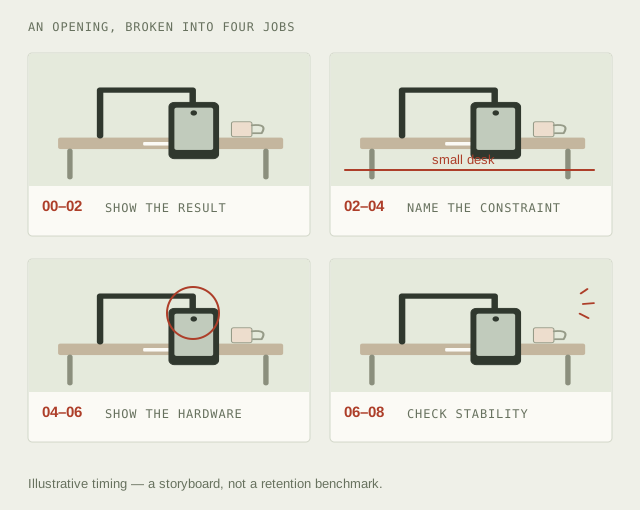
Build a Shot List Around What Each Image Needs to Do
Turn a viewer promise into a visual sequence. A fictional fourteen-second plan connects framing, audio, purpose and estimated runtime.
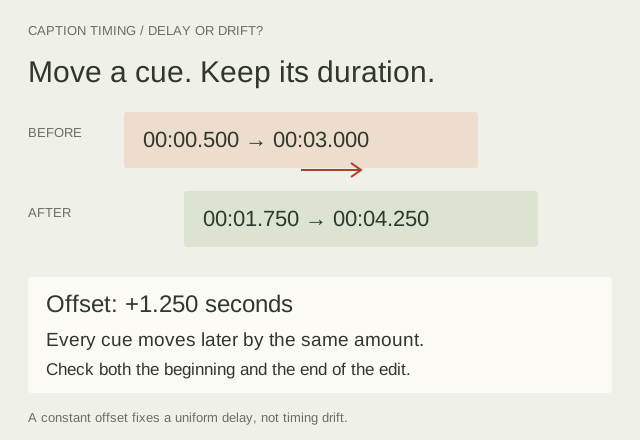
Fix Caption Timing Without Losing the Meaning
Read an SRT cue, distinguish a constant offset from drift, review overlaps and export a caption draft you can check against the final edit.
Curiosity is a good start.
A method takes it further.
YTGrid is an independent collection of tools for people who watch with a question. No secret formulas or promised outcomes. Just a place to observe, think, and decide what to try next.
A little about YTGrid